
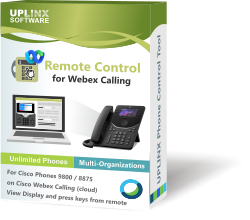



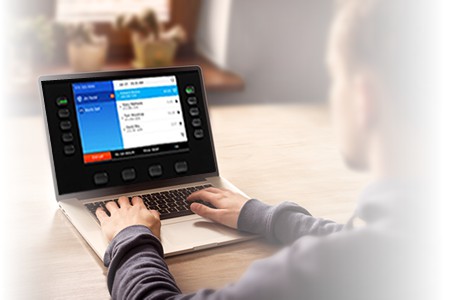

Remotely control Cisco phones on Webex Calling from your desk.
Remote Phone Control for Cisco Webex Calling
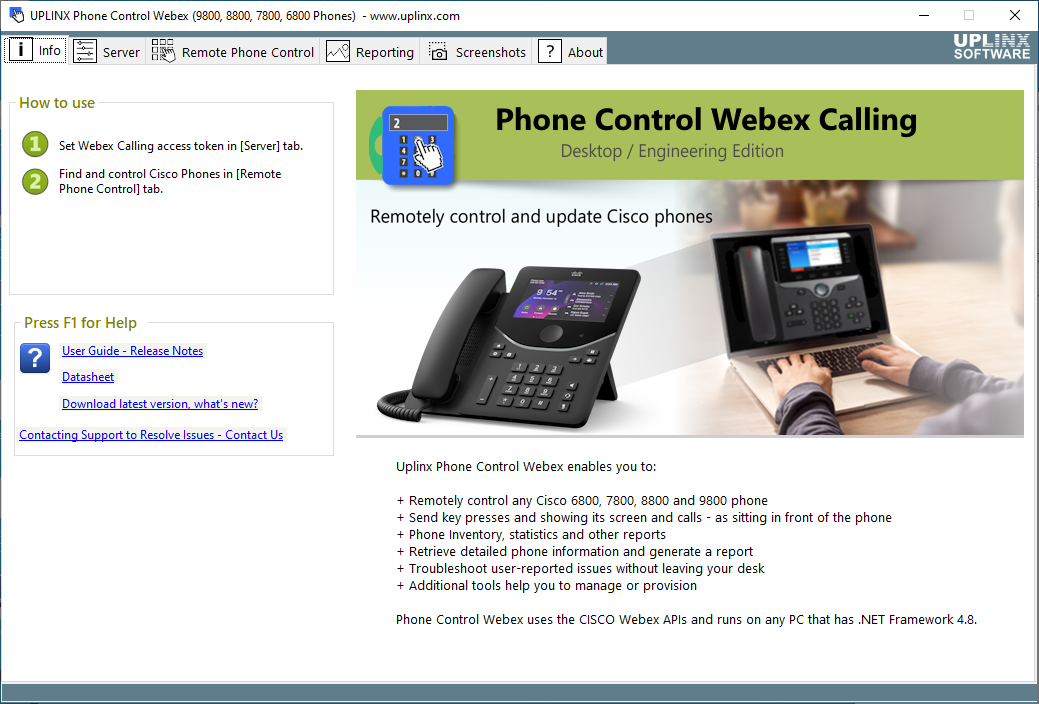
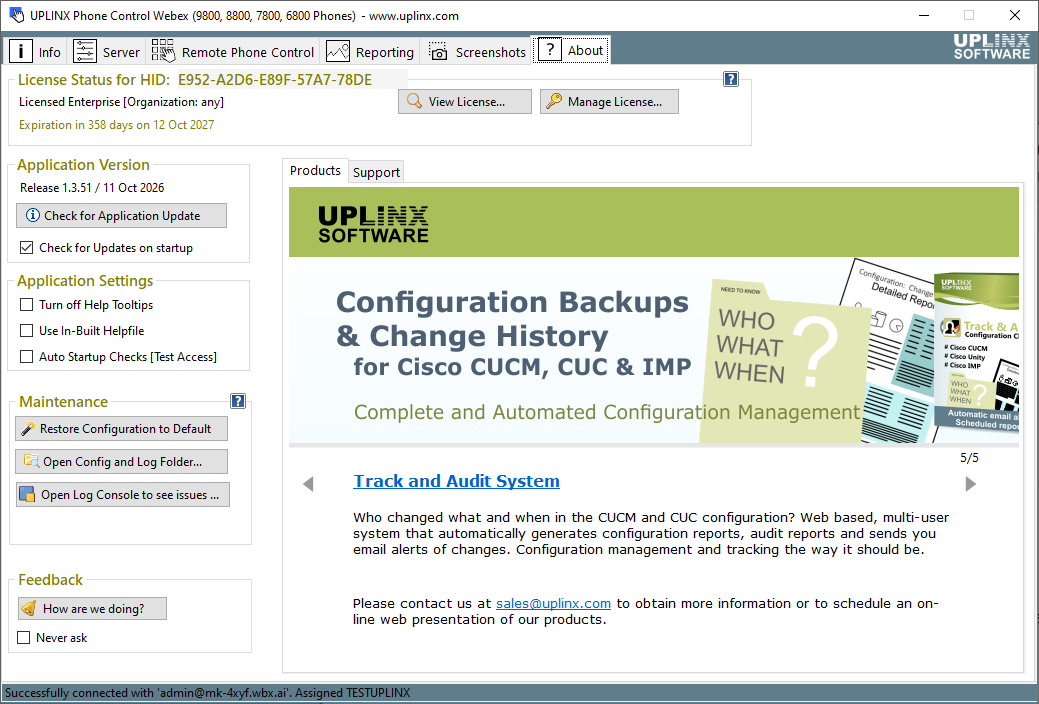
UPLINX Phone Control for Webex Calling lets administrators and support engineers remotely control Cisco phones, view the live phone screen and create phone inventory, statistics and screenshot reports.
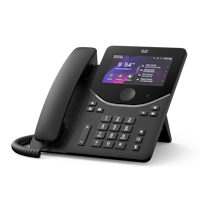
- Remotely control Cisco Phones 9800, 8875, 8800, 7800 and 6800 Series phones: press keys and view the live display - all without visiting the device.
- Retrieve phone details including model, firmware, IP address, MAC address and registration status
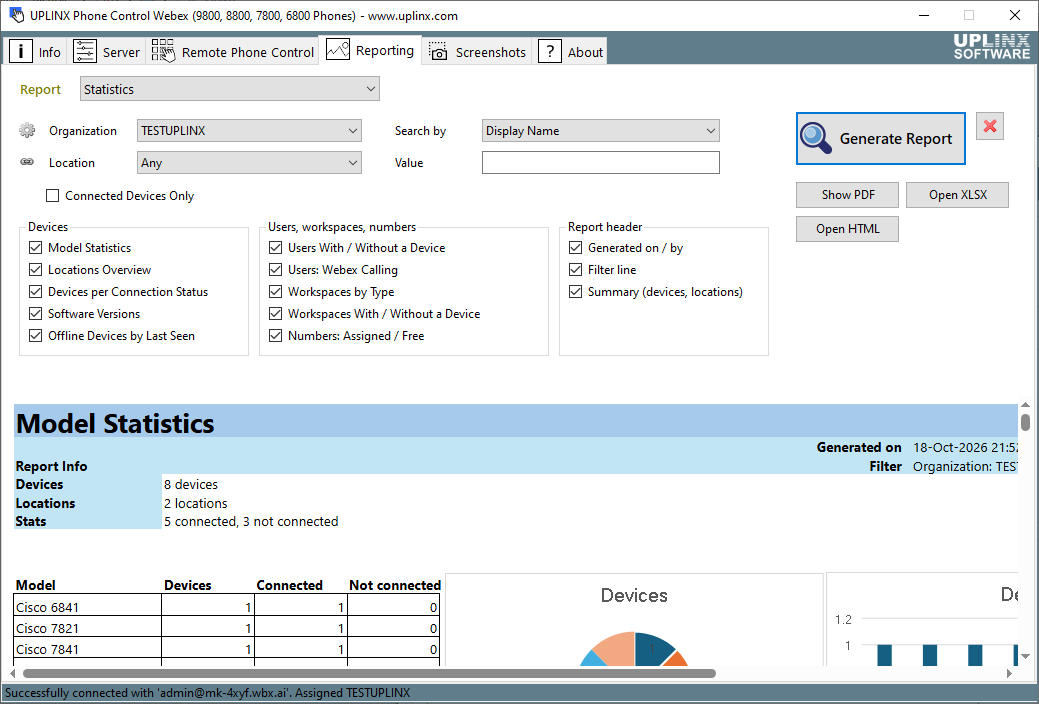
- Create phone inventory, statistics and screenshot reports and export to HTML, Excel and PDF
- Troubleshoot user-reported issues and train end-users remotely
- Simplified Provisioning for Webex Calling (web edition only)
Phone Control for Webex is listed on the Cisco Webex App Hub.
To get started, all you need is:
- Download & install on any Windows PC: free trial, no registration required.
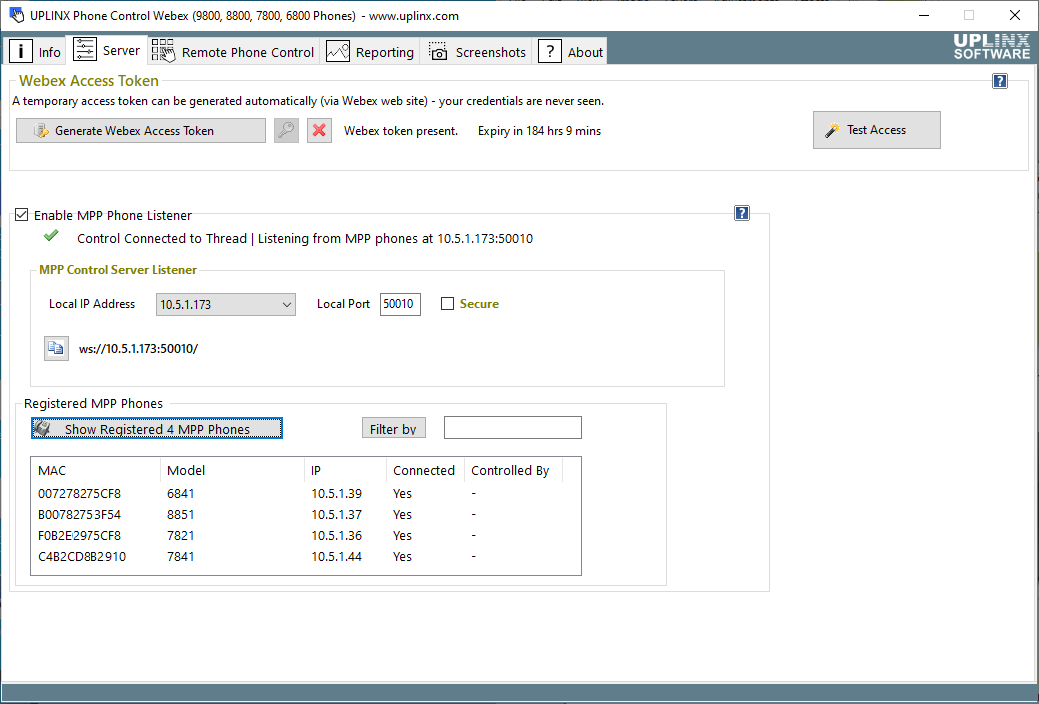
- A Webex Calling administrator account - no credentials or secrets are shared with the tool (authorize access via OAuth).
If your phones are registered to Cisco Unified Communications Manager (CUCM), on-premises or Webex Calling Dedicated Instance, please use our Phone Control Tool for CUCM.
We welcome your feedback to help shape future versions of this product. To share your experience or suggestions, please leave your feedback.
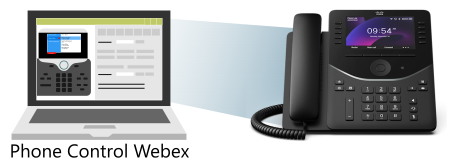
Remotely control Cisco Phones on Webex Calling
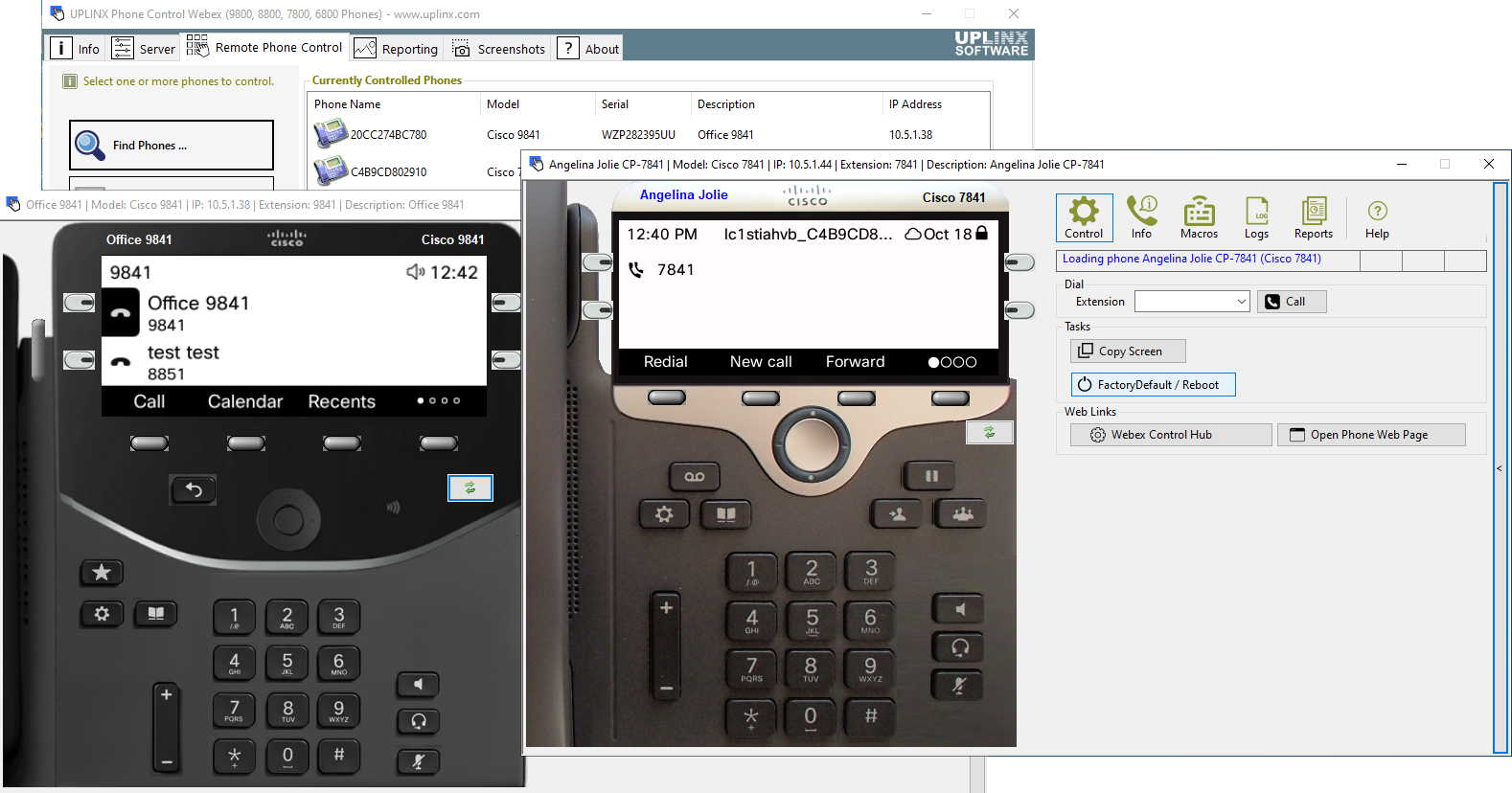
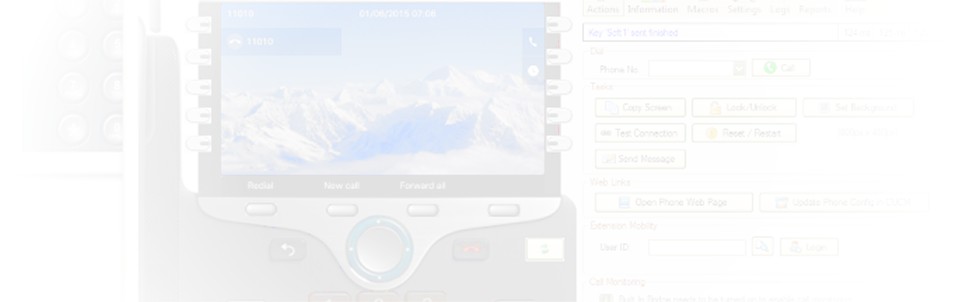
Remotely control Cisco phones from your desk — press keys and view the phone display as if sitting at the phone.
View button lamp colors indicating DND, Hunt Group, Privacy, and more. Supports Cisco Phones 9800, 8875, 8800, 7800 and 6800 Series.
Screen Captures
When remote controlling a phone, save the display image for user guides and as-built documentation.
Create a report with screenshots of selected phones. Verify phone screens after background image deployments or migrations.
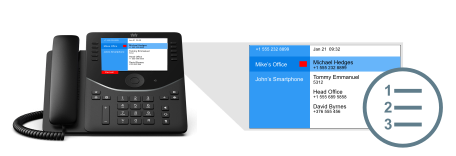

Test a Remote Phone
Remotely sign in with Cisco Webex Hot Desking, check the phone display, calendar, contacts, call history, meeting notifications and place a call — all without leaving your desk.
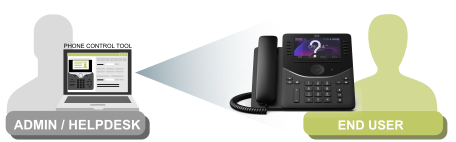
Remote Training and Support
Support staff can help an end-user while viewing and controlling the remote Cisco phone to explain unique features such as Group Pickup, Conference, or Hunt Group.

Provisioning and Reporting
Provision end-users and standalone phones from Active Directory, send activation codes by email. Create inventory, statistics and screenshot reports across one or more Webex Calling organizations.
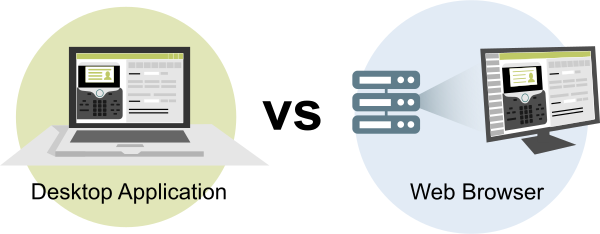
Windows App or Web Browser?
- Desktop Edition – a Windows app for one or a few admins.
- Take control of a user's phone remotely to troubleshoot reported issues or walk them through features.
- Export phone inventory, statistics and screenshots as reports.
- Web Edition for the whole help desk team – safer and easier to use.
- Nothing to install or update on agent PCs, just open a browser.
- Central access control, authentication and audit logging, so you know who did what.
- ## Includes simplified provisioning for Webex Calling.
- Easier and more secure MPP phone control with a certificate.
- Phone inventory, statistics and screenshot reports, on demand or scheduled.
- Runs as SaaS or on-premise on Windows Server.
Compare all features in the Phone Control for Webex Desktop App vs Web Edition comparison.
Supported Cisco IP Phones
- All phones running PhoneOS or MPP
- 9800 Series (9811, 9841, 9851, 9861, 9871)
- 8800 Series
- 7800 Series
- 6800 Series